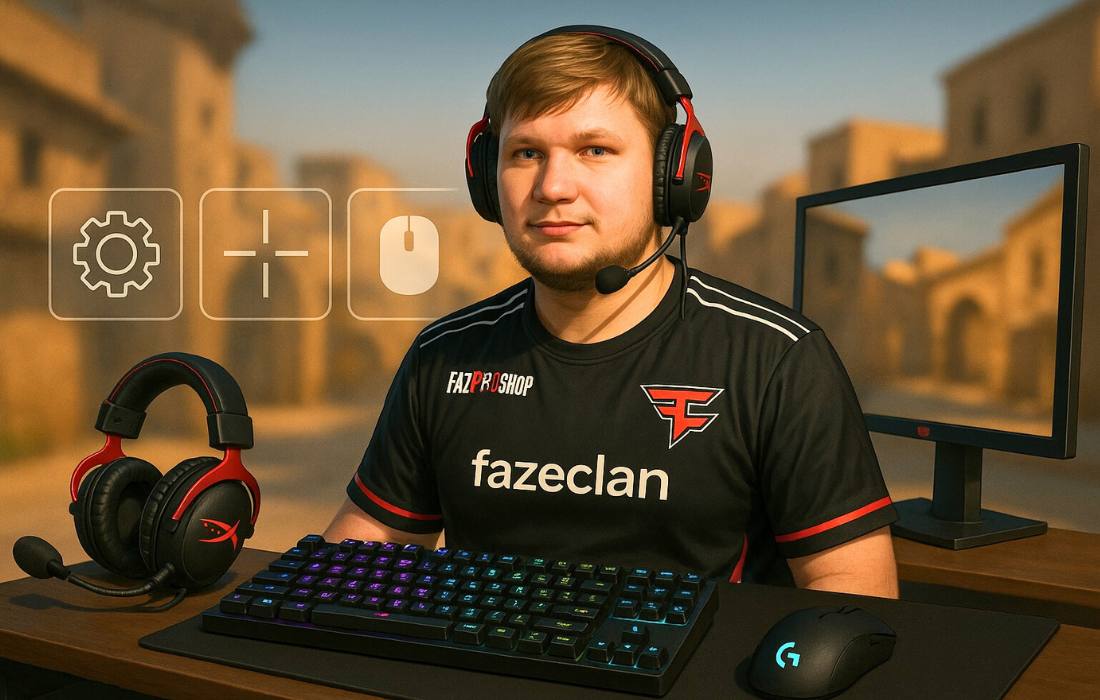
Oleksandr “s1mple” Kostyliev, born on October 2, 1997, is a professional CS2 player from Ukraine and one of the most legendary names in Counter-Strike history. Known for his razor-sharp aim and game sense, s1mple currently plays for FaZe Clan as their main AWPer.
In this guide, you’ll find s1mple’s full CS2 setup—from video and crosshair settings to viewmodel, sensitivity, and the gear he uses to stay at the top.
VIDEO SETTINGS
Resolution: 1280×960
Aspect Ratio: 4:3
Scaling Mode: Stretched
Brightness: 110%
Display Mode: Fullscreen
ADVANCED VIDEO SETTINGS
Boost Player Contrast: Disabled
V-Sync: Disabled
NVIDIA Reflex Low Latency: Disabled
NVIDIA G-Sync: Disabled
Maximum FPS In Game: 0
Anti-Aliasing: 8x MSAA
Global Shadow Quality: High
Dynamic Shadows: All
Model / Texture Detail: High
Texture Filtering Mode: Bilinear
Shader Detail: High
Particle Detail: Low
Ambient Occlusion: Medium
High Dynamic Range: Quality
FidelityFX Super Resolution: Disabled (Highest Quality)
s1mple sticks to a 1280×960 stretched resolution with a 4:3 aspect ratio—his long-time preference for making opponents easier to spot. He plays with brightness at 110% to ensure maximum clarity in all situations. When it comes to advanced settings, s1mple keeps most of them low to guarantee high and stable FPS, but leaves shadows and textures on high for better visibility in key areas.
CROSSHAIR SETTINGS
Style: Legacy
Follow Recoil: No
Dot: Yes
Length: 1
Thickness: 0
Gap: –2
Outline: No
Color: Cyan (R 50, G 255, B 200)
Alpha: 255
T Style: No
Deployed Weapon Gap: No
Sniper Width: 0
s1mple uses a compact crosshair in cyan color with a tight gap and a dot in the middle. This setup gives him pinpoint precision without visual distractions.
VIEWMODEL SETTINGS
viewmodel_offset_x: 2.5
viewmodel_offset_y: 0
viewmodel_offset_z: –1.5
viewmodel_fov: 68
viewmodel_presetpos: 2
His viewmodel is set up to stay out of the way, with the weapon pushed to the right and low on screen. This gives s1mple a clear line of sight in every fight, helping him stay locked in on his targets without unnecessary visual clutter.
SENSITIVITY SETTINGS
DPI: 400
In‑game Sensitivity: 3.09
eDPI: 1236
Zoom Sensitivity: 1
Polling Rate: 2000 Hz
Windows Sensitivity: 6
s1mple plays with 400 DPI and a sensitivity of 3.09, giving him a high eDPI of 1236. Combined with a 2000 Hz polling rate, his setup is fine-tuned for fast, controlled movements—allowing him to make micro-adjustments just as easily as lightning-fast flicks.
RADAR SETTINGS
Radar Centers The Player: Yes
Radar is Rotating: Yes
Toggle Shape With Scoreboard: Yes
Radar Hud Size: 0.83
Radar Map Zoom: 0.45
His radar is set to always center on his position and rotate with him, making it easier to read in the moment. With a small HUD size and zoomed-out view, s1mple gets a full overview of the map while keeping screen space clean and focused.
MONITOR SETTINGS
DyAc: Premium
Black eQualizer: 10
Color Vibrance: 12
Low Blue Light: 0
Picture Mode: Standard
Brightness: 80
Contrast: 60
Sharpness: 5
Gamma: Gamma 3
Color Temperature: Normal
AMA: High
s1mple tweaks his monitor for maximum clarity. DyAc is on, contrast and vibrance are boosted, and motion blur is reduced—so he can spot enemies instantly.
GEAR AND EQUIPMENT
Mouse: Logitech G Pro X Superlight 2 White
Mousepad: SteelSeries QcK Performance Speed
Keyboard: Logitech G715 (GX Brown Tactile)
Headset: Logitech G PRO X 2 Headset White
Monitor: ZOWIE XL2566X+
s1mple relies on a top-tier Logitech loadout, paired with the SteelSeries mousepad and a ZOWIE monitor. Every piece is chosen for performance to help him stay consistent round after round.