kyousuke, whose real name is Maxim Lukin and who was born on January 30, 2008, is a professional CS2 player from Russia, currently playing for Team Falcons. Despite his young age, he has already made a name for himself as a strong aimer and one of the rising talents on the international scene.
In this guide, we’ll break down kyousuke’ complete CS2 settings—covering his crosshair, sensitivity, video configurations, and the gear that helps him perform at such a high level.
Video Settings
Resolution: 1280×960
Aspect Ratio: 4:3
Scaling Mode: Stretched
Brightness: 110%
Display Mode: Fullscreen
Advanced Video Settings
Boost Player Contrast: Enabled
V-Sync: Disabled
NVIDIA Reflex Low Latency: Disabled
NVIDIA G-Sync: Disabled
Maximum FPS In Game: 500
Anti-Aliasing: 8x MSAA
Global Shadow Quality: Low
Dynamic Shadows: All
Model / Texture Detail: Low
Texture Filtering Mode: Bilinear
Shader Detail: Low
Particle Detail: Low
kyousuke’s video settings are optimized for maximum clarity and fast reactions. With a 4:3 stretched resolution, enemies appear wider and easier to spot. High brightness and fullscreen mode boost visibility, while most advanced settings are turned down to ensure stable FPS and minimal distractions.
Crosshair Settings
Style: Classic Static
Follow Recoil: No
Dot: No
Length: 1
Thickness: 1
Gap: –4
Outline: No
Color: Cyan (R 0, G 255, B 135)
Alpha: 255
T Style: No
Deployed Weapon Gap: No
Sniper Width: 1
kyousuke uses a simple and static crosshair in a bright cyan color to keep his aim clear and easy to track during intense fights. By avoiding extra features like outlines or center dots, he reduces visual clutter and stays focused on his target.
Viewmodel Settings
viewmodel_offset_x: 2.5
viewmodel_offset_y: 0
viewmodel_offset_z: –1.5
viewmodel_fov: 68
viewmodel_presetpos: 1
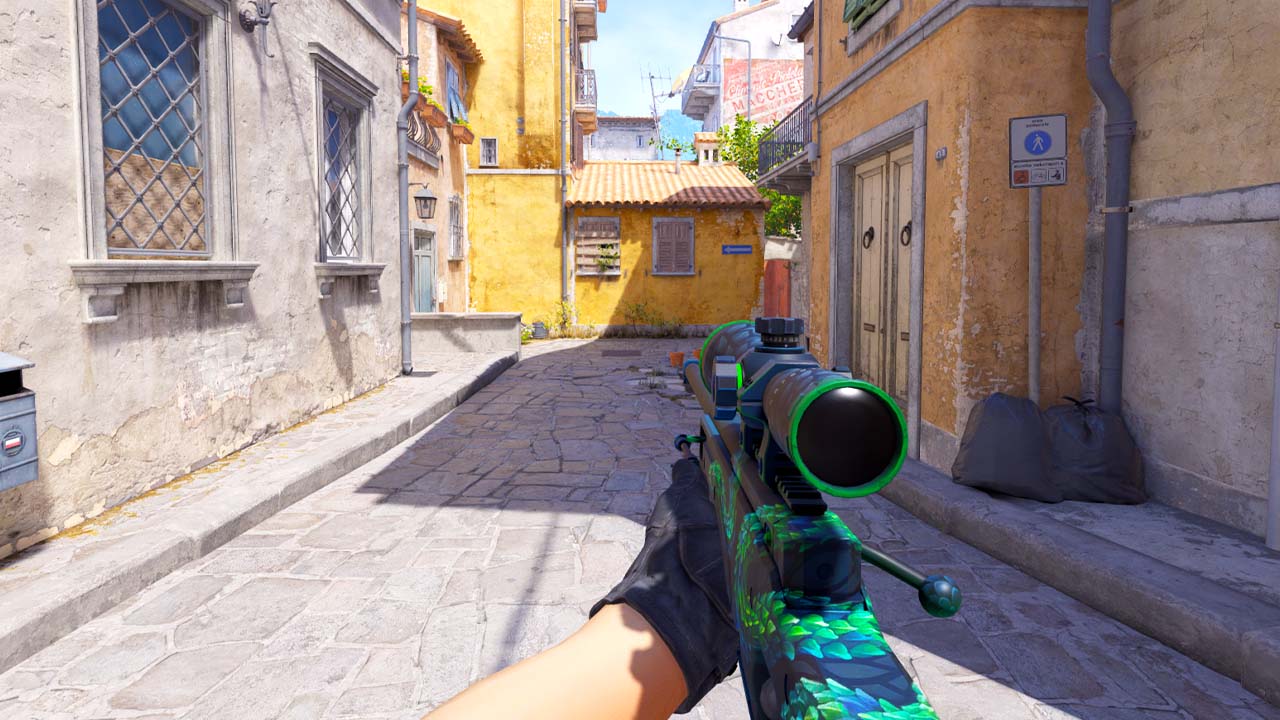
kyousuke’s viewmodel settings keep his weapon low and to the side, ensuring it doesn’t block his view. A high field of view makes the gun less intrusive, leaving more room to spot enemies.
Sensitivity settings
DPI: 800
In‑game Sensitivity: 1.28
eDPI: 1024
Zoom Sensitivity: 1
Polling Rate: 1000 Hz
Windows Sensitivity: 6
With a moderate sensitivity and high polling rate, kyousuke ensures his aim supports quick adjustments without sacrificing control.
Radar Settings
Radar Centers The Player: Yes
Radar is Rotating: Yes
Toggle Shape With Scoreboard: Yes
Radar Hud Size: 1
Radar Map Zoom: 0.3
kyousuke’s radar settings are customized to give him a clear overview of the map at all times. By keeping the radar centered and rotating, he gets an intuitive sense of his position relative to teammates and opponents. The low zoom allows him to see more of the map at once, making it easier to gather information and react quickly.
Monitor Settings
DyAc: Premium
Black eQualizer: 15
Color Vibrance: 15
Low Blue Light: 0
Picture Mode: Standard
Brightness: 100
Contrast: 60
Sharpness: 7
kyousuke’s monitor settings are tuned for maximum clarity and visibility. By optimizing brightness, contrast, and color, he makes it easier to spot enemies and keep track of fast movement on screen
Gear and Equipment
Mouse: Logitech G Pro X Superlight 2 Magenta
Mousepad: Logitech G640 Black
Keyboard: Logitech G Pro X Keyboard (GX Blue Clicky)
Headset: HyperX Cloud II
Monitor: ZOWIE XL2546K
kyousuke setup consist mostly of Logitech products, including a lightweight mouse, a large mousepad, and a mechanical keyboard.