Mouse Sensitivity is a Personal Choice
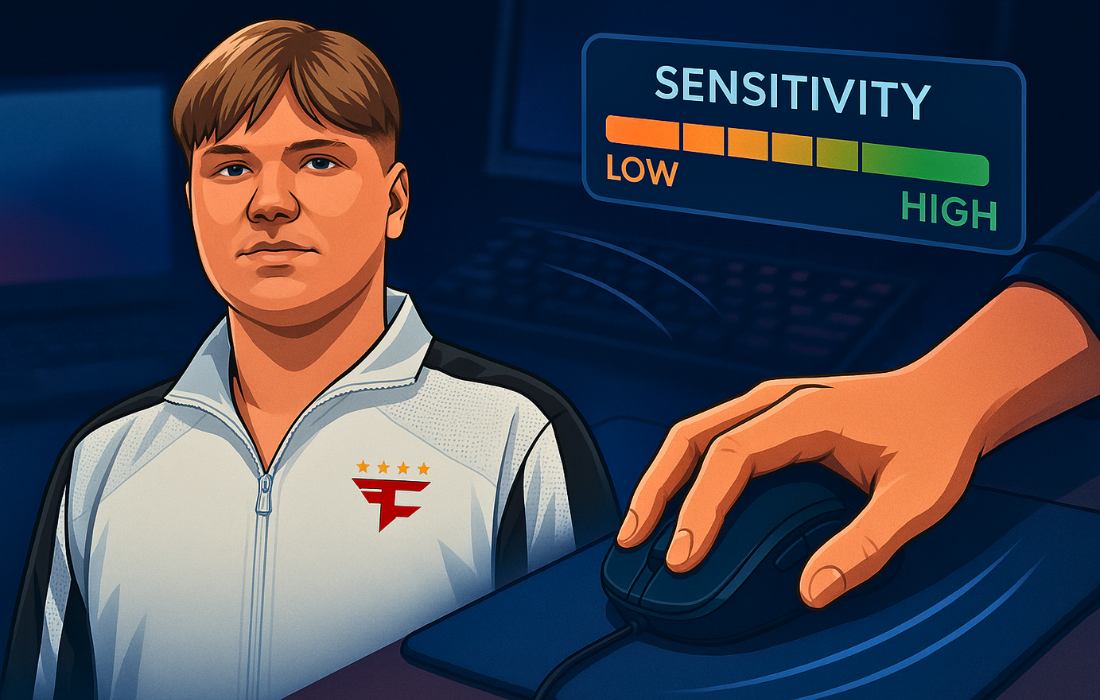
Mouse sensitivity is one of the most personal settings in CS2. It’s the foundation of aim, and it defines how you move, react, and hit your shots. Sensitivity in CS2 refers to how much your crosshair moves on-screen in response to how far you move your mouse on the mousepad. Higher sensitivity means more movement for less effort. Lower means slower, more controlled motion.
You should always be able to control your crosshair with ease and comfort. In other words, your mouse should feel like an extension of your arm. That “feel” is different for everyone, which is why personal preference plays a huge role. Still, there’s a general range of effective sensitivities most players fall into, shaped by factors like desk space, mousepad size, and posture.
In this article, we’re going to take a look at the mouse sensitivity settings used by some of the best CS2 players in the world, including s1mple, donk, m0NESY, ZywOo, NiKo, ropz, XANTARES, FalleN, b1t, Twistzz, dev1ce, and sh1ro.
These settings won’t make you aim like a pro, but they can show you what kind of setups work at the highest level.
Let’s dive into the numbers.
s1mple
DPI: 400
In-game Sensitivity: 3.09
eDPI: 1236
Zoom Sensitivity: 1.00
Polling Rate: 2000 Hz
Windows Sensitivity: 6
This is the fastest setup on the list by a fair margin. It pushes to the edge of the eDPI spectrum and stands out as a clear outlier. If you’re curious what high-end sensitivity looks like in pro play, s1mple is the most extreme example here.
donk
DPI: 800
In-game Sensitivity: 1.25
eDPI: 1000
Zoom Sensitivity: 1.00
Polling Rate: 1000 Hz
Windows Sensitivity: 4
donk runs a fairly quick sensitivity. It’s not at the absolute top, but it leans toward the fast side of the spectrum. His setup sits comfortably in the higher range, showing what’s possible with a confident hand and good control.
m0NESY
DPI: 400
In-game Sensitivity: 2.3
eDPI: 920
Zoom Sensitivity: 1.00
Polling Rate: 4000 Hz
Windows Sensitivity: 6
m0NESY sits just above the midpoint in this list. His eDPI doesn’t swing too far in either direction, which makes his setup one of the more flexible and well-rounded options here.
ZywOo
DPI: 400
In-game Sensitivity: 2.00
eDPI: 800
Zoom Sensitivity: 1.00
Polling Rate: 4000 Hz
Windows Sensitivity: 6
ZywOo’s values fall right in the center of the overall range. It’s a balanced setup, without leaning into either extreme. If you’re looking for a “neutral” starting point, this is it.
NiKo
DPI: 800
In-game Sensitivity: 1.20
eDPI: 960
Zoom Sensitivity: 0.90
Polling Rate: 2000 Hz
Windows Sensitivity: 6
NiKo’s eDPI edges slightly higher than average, though his in-game sens remains quite low thanks to the higher DPI. It’s a controlled yet fast configuration that lands somewhere in the upper-middle of the list.
ropz
DPI: 400
In-game Sensitivity: 1.77
eDPI: 708
Zoom Sensitivity: 1.00
Polling Rate: 8000 Hz
Windows Sensitivity: 6
One of the slower setups here. With a relatively low eDPI and high polling rate, ropz’s configuration focuses more on stability and consistency than speed. It’s clearly designed for deliberate, precise movements.
XANTARES
DPI: 400
In-game Sensitivity: 2.30
eDPI: 920
Zoom Sensitivity: 1.10
Polling Rate: 1000 Hz
Windows Sensitivity: 6
This setup moves toward the faster end, but stays safely within the typical pro range. It’s quick, but not overly aggressive, and the slightly raised zoom sens is a subtle tweak that nudges up scoped responsiveness.
FalleN
DPI: 400
In-game Sensitivity: 2.20
eDPI: 880
Zoom Sensitivity: 1.00
Polling Rate: 1000 Hz
Windows Sensitivity: 6
FalleN’s settings represent a classic mid-speed setup. It’s reliable and right in the heart of the list’s eDPI spread, offering an even balance of motion and control.
b1t
DPI: 400
In-game Sensitivity: 1.42
eDPI: 568
Zoom Sensitivity: 1.00
Polling Rate: 2000 Hz
Windows Sensitivity: 6
This is the slowest sensitivity on the list. B1t’s low eDPI stands apart, making his setup the best example of ultra-precise aiming through low motion speed.
Twistzz
DPI: 1600
In-game Sensitivity: 0.425
eDPI: 680
Zoom Sensitivity: 0.90
Polling Rate: 4000 Hz
Windows Sensitivity: 6
Twistzz takes a unique route. His high DPI and low in-game sens form one of the smoother control curves here. It’s not the slowest overall, but definitely leans into accuracy-first behavior.
dev1ce
DPI: 400
In-game Sensitivity: 2.00
eDPI: 800
Zoom Sensitivity: 1.00
Polling Rate: 1000 Hz
Windows Sensitivity: 6
This is a textbook example of a safe, neutral sensitivity. dev1ce sits firmly in the middle of the eDPI range, with no standout extremes. It’s a balanced and predictable configuration.
sh1ro
DPI: 800
In-game Sensitivity: 1.04
eDPI: 832
Zoom Sensitivity: 1.00
Polling Rate: 2000 Hz
Windows Sensitivity: 6
Sh1ro’s eDPI is slightly above average but still firmly within the standard range. His setup favors steady control while maintaining enough speed for reactive shots.
Use These Settings as a Starting Point”
There’s no single “perfect” sensitivity, but studying what the pros use can help you understand the range of what works. Take inspiration from these setups, experiment, and tweak until your mouse feels like a natural extension of your aim.